Your CoinPoker hands, worked out.
Drop in your hand history export: net, bb/100, rake, positions, sessions and tournaments in seconds. No account, no upload.
- In seconds · Net, bb/100 & rake
- 100% local · Nothing is uploaded
- No account · Drop & analyze
Getting your export
- In the CoinPoker client, open your hand history and request the export for the period you want.
- Save the files. Cash games and tournaments come as separate .txt files.
- Drag one or both files onto the box above.
Drop your export here
Cash and tournament exports (.txt), several files at once
Supported: the official CoinPoker hand history export for cash and tournaments (e.g. CoinPoker_<name>_<from>_to_<to>_Cash.txt or …_Tournament.txt).
Tip: copied hands can also be pasted anywhere on this page with Ctrl+V.
Tools for CoinPoker
- Open tool
Hand analyzer
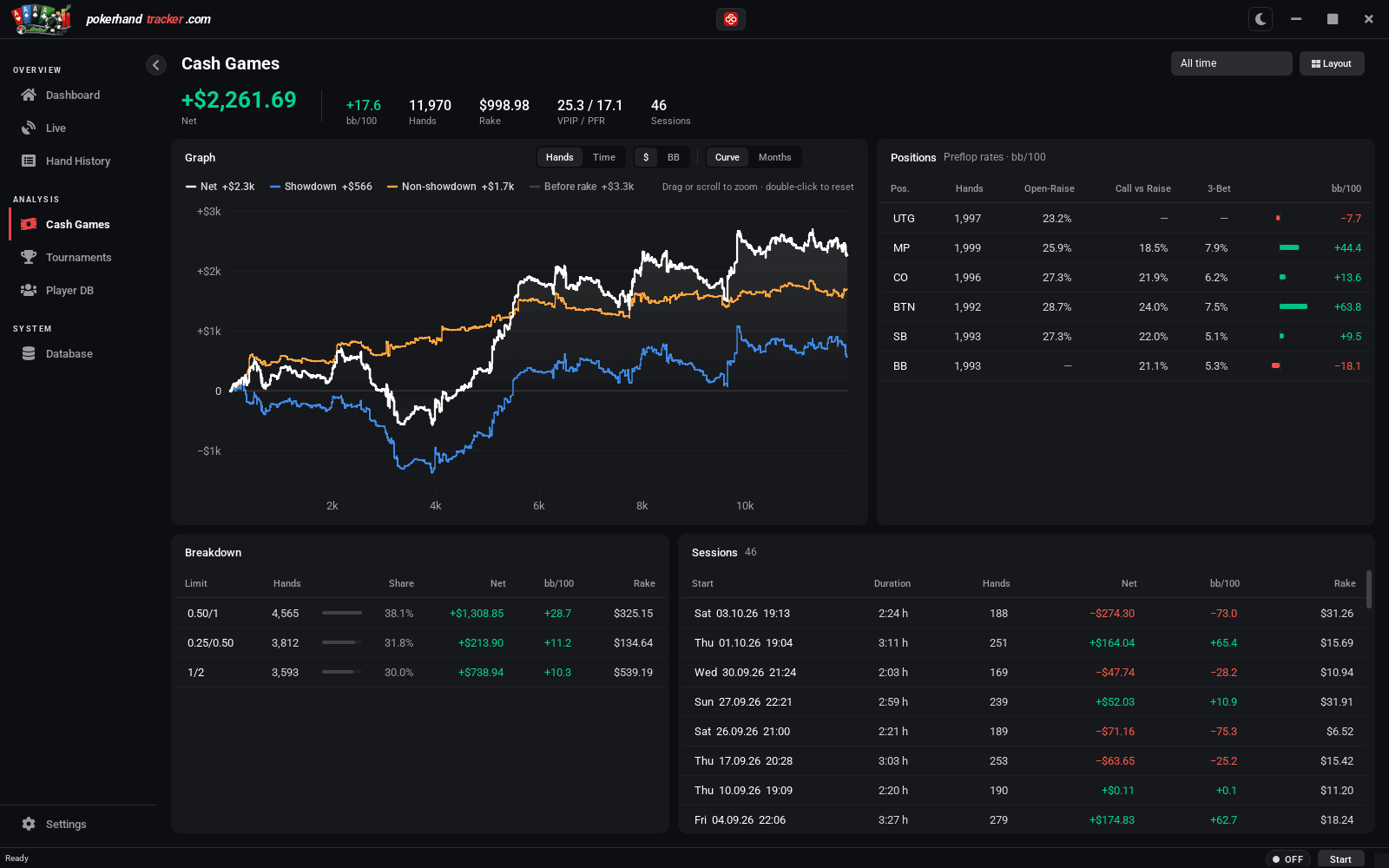
Cash games by limit, position and session, with your winnings over every hand.
- Open tool
Hand replayer
Paste one hand and replay it at the table. Share it as a link — with a card preview in Discord.
- Open tool
Tournament review
Every tournament in your export: result in big blinds, how you play by stack depth and position.
- Open tool
Screenshot to hand
Upload a screenshot from CoinPoker's hand history and get the hand as text you can replay.
Your export, by stakes
Sample dataWhat happens to your data
- Your hands stay with you
- The analysis runs in your browser. The file is never uploaded or stored.
- No account needed
- Every web tool works without signing in.
- Counting without cookies
- We count page views without cookies and without storing IP addresses. Details are in the privacy policy.
The same, for every session: the desktop app
PokerHandTracker reads CoinPoker live while you play — every hand, every session, a searchable history. It runs locally on Windows.
- Live tracking while you play
- Searchable history and replay
- 100% local on your computer
Made for CoinPoker for now. More poker sites will follow, depending on what the community asks for.
See the desktop app